How to Make a WiFi QR Code (No App Needed)
Typing out a long WiFi password for every guest gets old fast. A WiFi QR code fixes this: point, scan, connect — no typing, no spelling out symbols.
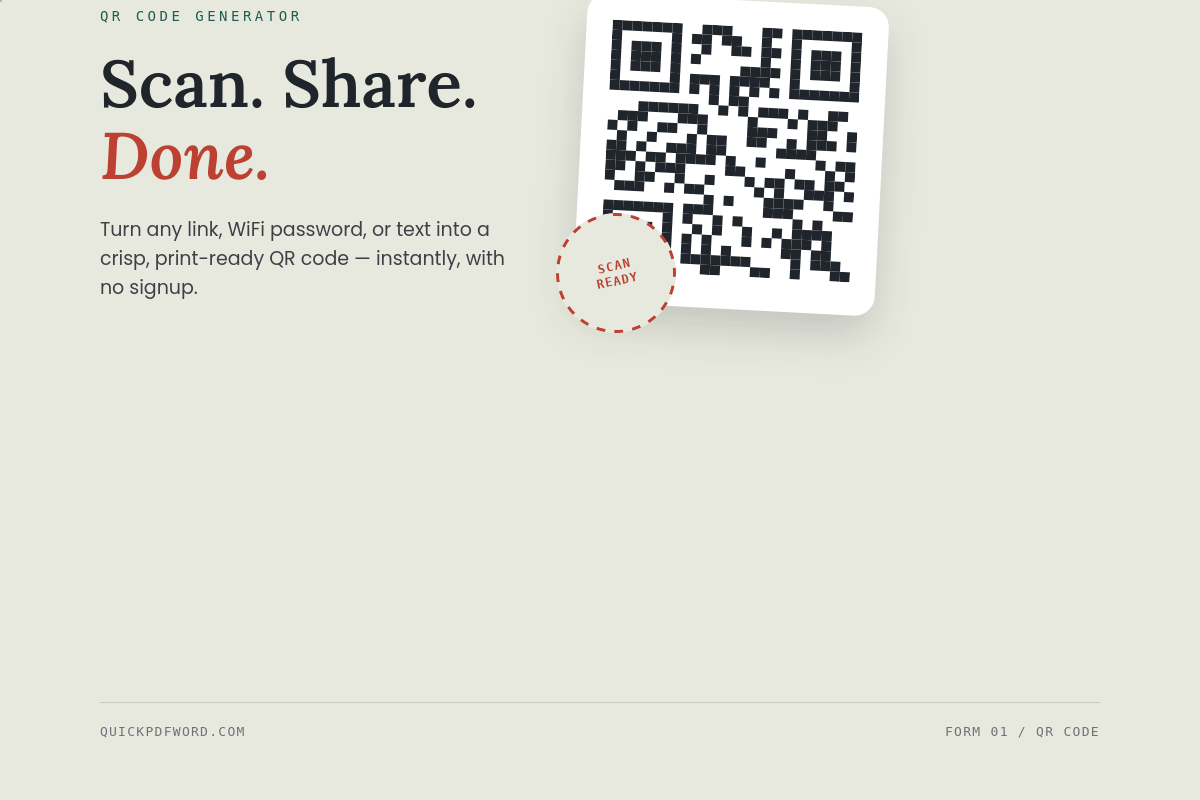
What's Actually Inside a WiFi QR Code
A WiFi QR code isn't a link to a website. It's a small text string encoded directly into the pattern:
WIFI:T:WPA;S:YourNetworkName;P:YourPassword;;Your phone's camera reads this string and recognizes the WIFI: prefix, so instead of opening a browser, it offers to join the network directly.
How to Make One
- Open the QR Code Generator.
- Type your network details in the format above.
- The QR code updates instantly.
- Click Download PNG and print it or display it near your router.
Scanning on Android
Open the Camera app and point it at the code. Android shows a notification banner — tap it, and you're connected. Newer Android versions also let you generate one directly from Settings > Network & Internet > WiFi > Share.
Scanning on iPhone
Open the Camera app — a Join Network banner appears at the top. Tap it once. iOS handles the rest automatically.
What SSID and WPA/WPA2 Mean
- SSID is just your network's name — the one you see in the WiFi list.
- WPA/WPA2 is the security type almost every router uses today.
- No password? Leave it blank and set the type to
nopass.
Why It Isn't Scanning
- Extra spaces or line breaks in the name or password.
- Special characters like
;need a backslash:\; - Printed too small or with glare — print at least 3×3 cm.
- An old third-party scanner app — the built-in Camera app always works.
Static vs Dynamic QR Codes
A static code (what you'll generate here) has your details baked directly into the pattern — it never expires, but a password change means a new code. A dynamic code points to a redirect URL you can update later, which is unnecessary overhead for something this simple.
Common Uses
- Cafes: print it on a table tent.
- Offices: stick it near reception.
- Airbnb: frame it next to the router.
- Events: display it on screen for attendees.
Frequently Asked Questions
Does the WiFi QR code work without internet?
Yes — scanning it only reads the encoded text. Internet is only needed after connecting.
Can I make one for a hidden network?
Yes, though it requires an extra H:true field added manually to the text string.
Will the QR code expose my password to anyone who scans it?
Yes — anyone who scans it can see and reuse the password. Only share it with people you'd give the password to directly.
Generate your own free at the QR Code Generator.